Moving Beyond Capacity to Endurance
When shopping for an SSD, most users focus entirely on capacity (how many gigabytes it can hold) and speed (how fast it can move files). However, there is a third, more critical metric that often goes unnoticed until it’s too late: TBW, or Total Bytes Written.
While a traditional hard drive (HDD) fails due to mechanical wear and tear—like a motor burning out or a needle scratching a platter—an SSD is entirely electronic. Instead of moving parts, it uses "cells" to trap electrons. The catch? These cells have a finite number of write cycles.
Every time you save a file, download a movie, or update your OS, you are technically "wearing down" the drive’s ability to hold data.
TBW is the true metric of SSD health. It represents the total amount of data a drive can write over its lifetime before the flash memory cells become unreliable. Think of it like the odometer on a car; while the speed tells you how fast you’re going right now, the TBW tells you how much life the engine has left.
At Sangrahan, we prioritize transparency regarding these ratings because we know our users—from photographers handling massive RAW files to developers compiling code—put their drives through heavy daily use. Understanding your drive's TBW rating isn't just about technical trivia; it’s about knowing your data is safe for the long haul.
How to Calculate Your Drive Lifespan
Understanding how long your SSD will last doesn't require a complex degree in data science. It’s simply a matter of comparing your Total Bytes Written (TBW) rating against your daily data habits.
Think of your SSD as a digital notebook with a fixed number of pages. Once you've written on every page and erased it a certain number of times, the paper eventually wears through. TBW tells you exactly how many "pages" you have.
Real-World Usage Scenarios
To put this into perspective, let’s look at how different types of users consume their drive’s lifespan:
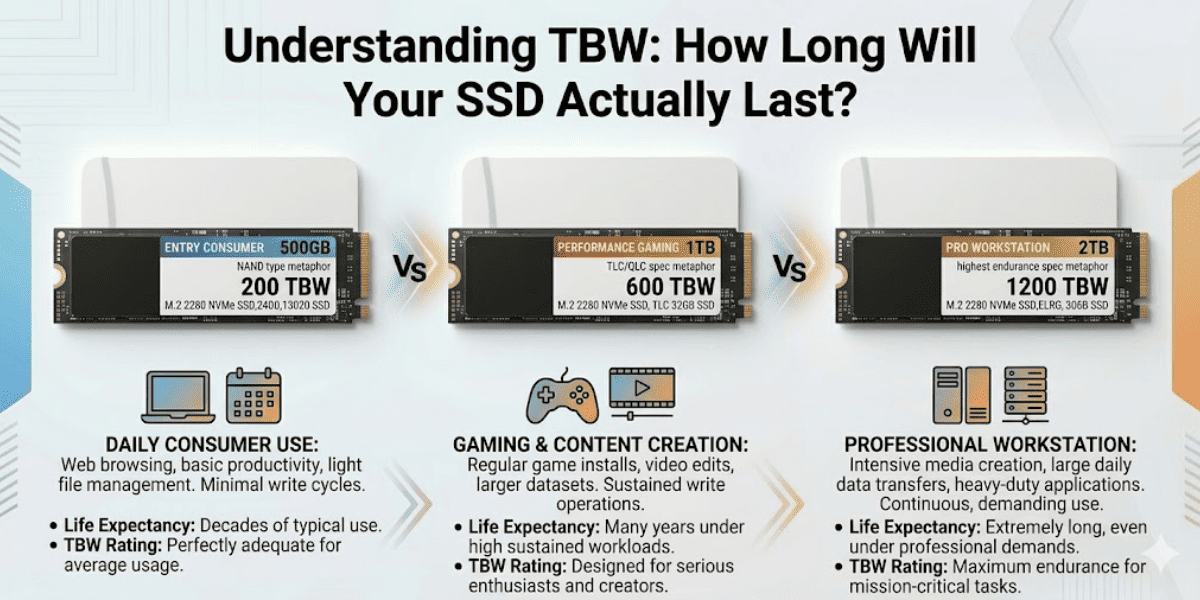
The Typical Home/Office User: If you primarily use your laptop for web browsing and streaming, you likely write about 10GB to 30GB of data per day. For a Sangrahan SSD, a user at this pace could easily see their drive last over 10 to 15 years—well beyond the useful life of the laptop itself.
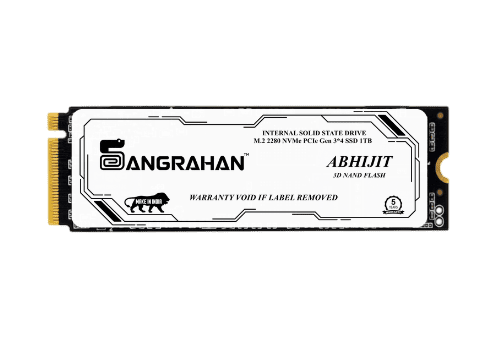
The Professional Video Editor: Editors working with 4K or 8K footage might write 100GB to 500GB of data in a single day. For these power users, a high TBW rating (like those found in our Abhijit Series) is critical to ensure the drive doesn't reach its "odometer limit" prematurely.
The AI Researcher or Developer: Training machine learning models or compiling large codebases involves constant "Random I/O." An AI researcher might cycle through terabytes of data every week. In this scenario, endurance is just as important as speed, as the drive is under a constant "marathon" stress test.
By identifying which category you fall into, you can choose a drive that matches your intensity. Most people are surprised to find that even with heavy use, a high-quality Sangrahan SSD is built to outlast almost every other component in their system.
The Role of MTBF and Engineering Quality
While TBW tells you how much work the drive can do, MTBF (Mean Time Between Failures) tells you how reliable the drive is while doing that work. At Sangrahan, our drives are rated for 2 million hours MTBF, a benchmark that represents the gold standard for long-term data safety.
What 2 Million Hours MTBF Really Means
It is a common misunderstanding that MTBF represents the actual lifespan of a single drive (after all, 2 million hours is over 200 years!). Instead, MTBF is a reliability rating calculated by testing a massive batch of drives over thousands of hours.
A 2-million-hour rating signifies an incredibly low failure rate. It means that even under constant operation, the hardware components—from the controller to the circuit board—are engineered to resist electrical faults and hardware "glitches" that cause sudden data loss.
High-Quality NAND Flash Technology
The "brain" of any SSD is its NAND Flash—the actual chips where your data lives. At Sangrahan, we use premium, high-density 3D NAND technology. Unlike older 2D NAND, which laid cells flat like a single-story house, 3D NAND stacks cells vertically.
Benefits of our 3D NAND Architecture:
- Lower Power Consumption: Less heat is generated, which is the primary enemy of electronic longevity.
- Reduced Cell Interference: By spacing cells more efficiently, we reduce the electrical "noise" that can lead to data corruption.
- Higher Endurance: The physical structure allows for more write cycles per cell, directly contributing to our high TBW ratings.
By combining an elite MTBF rating with top-tier NAND engineering, Sangrahan drives don't just store your data—they protect it against the invisible wear of time.
Tips for Maximizing Your SSD Health
Even with a high-endurance drive, following a few "digital hygiene" best practices can ensure your storage remains fast and healthy for as long as possible. Here are three simple ways to protect your investment:
1. Avoid Filling Your Drive to 100%
An SSD needs "breathing room" to perform a process called Wear Leveling. This is where the drive's controller moves data around to ensure all memory cells are worn down evenly. If your drive is 99% full, the controller has to work much harder and write more frequently to the tiny amount of free space left.
The Golden Rule: Try to keep at least 10–15% of your drive empty. This keeps the drive fast and prevents premature wear on specific cells.
2. Minimize Unnecessary Large File Writes
While SSDs are meant to be used, avoiding repetitive, massive data transfers for no reason can save your TBW. For example:
- Avoid Defragmentation: Never run "disk defragmentation" on an SSD. It is meant for old HDDs and actually harms SSDs by causing unnecessary writes.
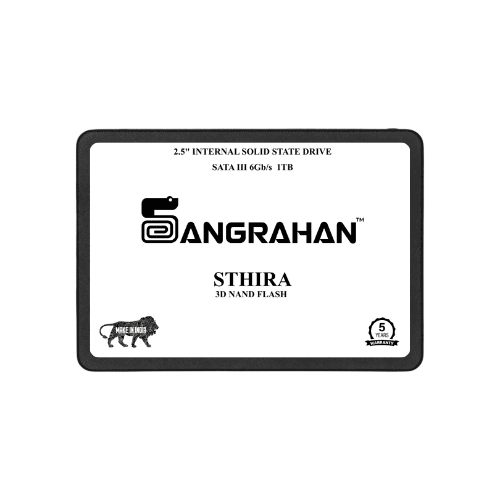
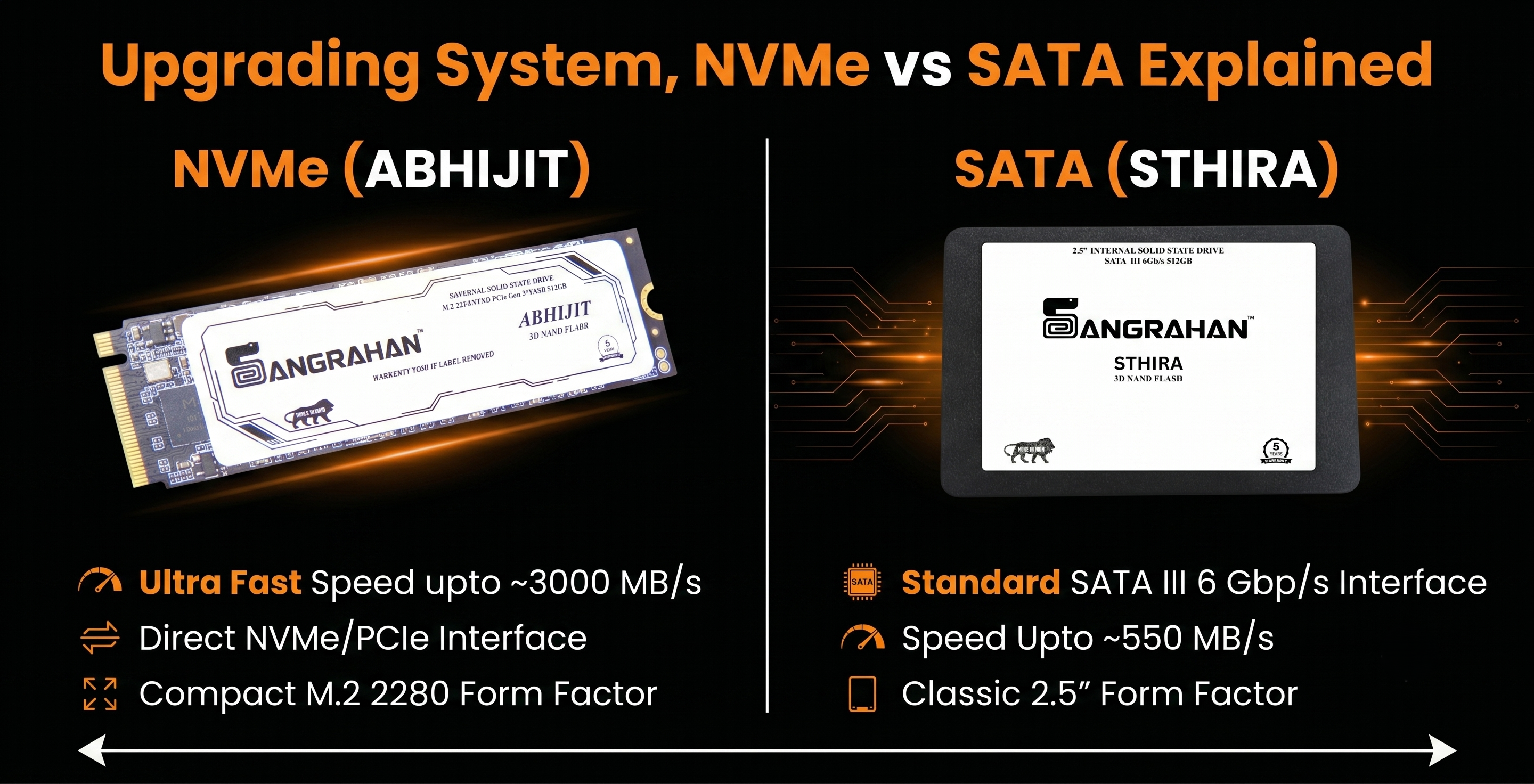
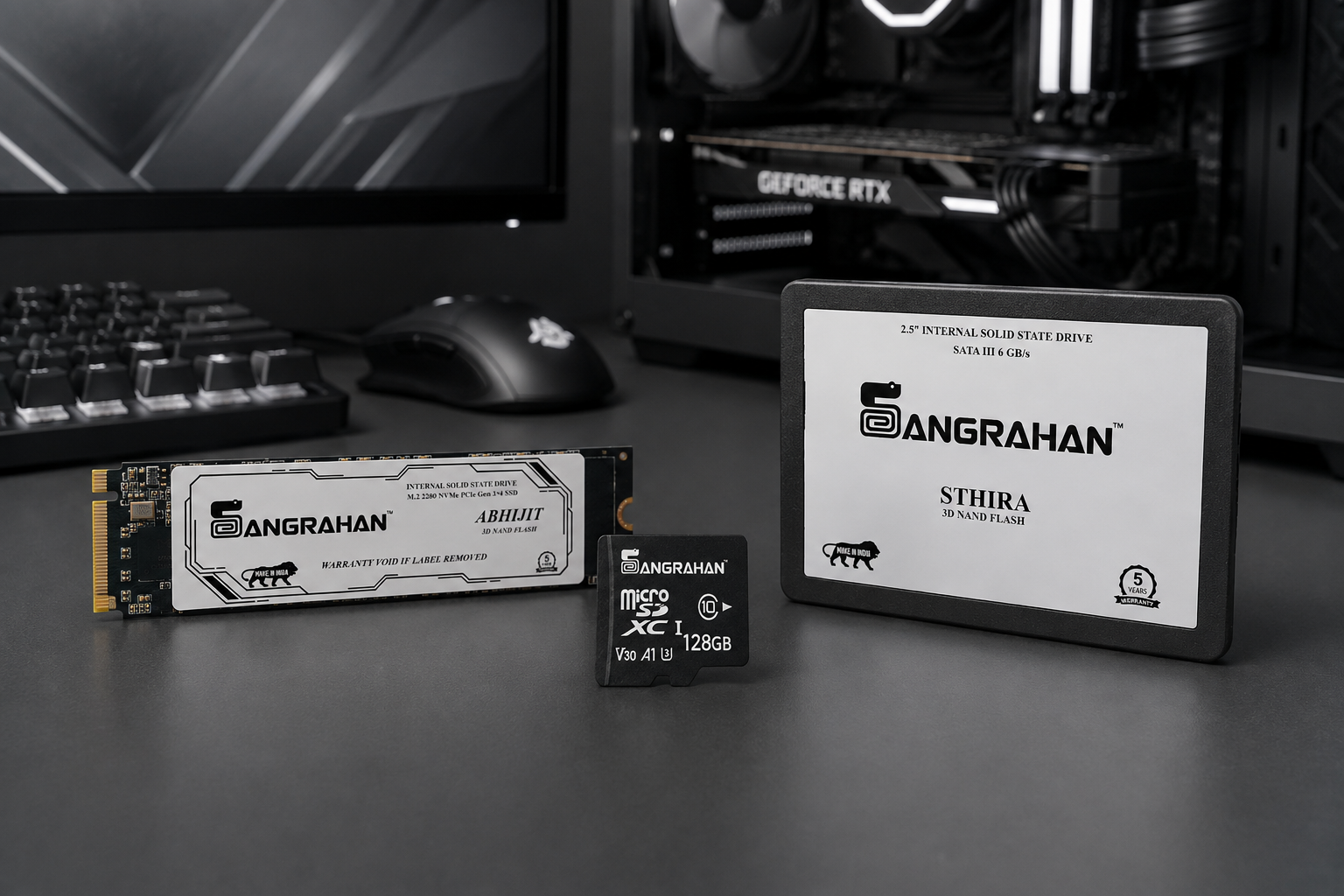
- Use a Dual-Drive Setup: If you are a heavy downloader, consider using a secondary Sthira Series SATA drive for temporary files and your primary Abhijit Series NVMe for your OS and critical apps.
3. Choose a High-Endurance Brand
Ultimately, the best way to ensure longevity is to start with a drive built by a company that understands professional demands. Choosing a brand managed by Conscious Circuit LLP is the best long-term investment for your data.
Because Sangrahan is backed by the engineering philosophy of Conscious Circuit LLP, we don't cut corners on the quality of our controllers or the grade of our NAND flash. We prioritize sustained reliability over "marketing-only" peak speeds.
Conclusion
Your SSD’s lifespan is a journey, not a mystery. By keeping an eye on your TBW, understanding your MTBF, and following basic maintenance tips, you can ensure your data stays safe for years to come.
Ready for a drive that’s built to last?
Check out the full endurance ratings for our Sthira and Abhijit series at
Sangrahan.in.